
The Experience
How to slow
down time.
Four easy steps. One experience. Photos that feel like a memory the second you take them.
01
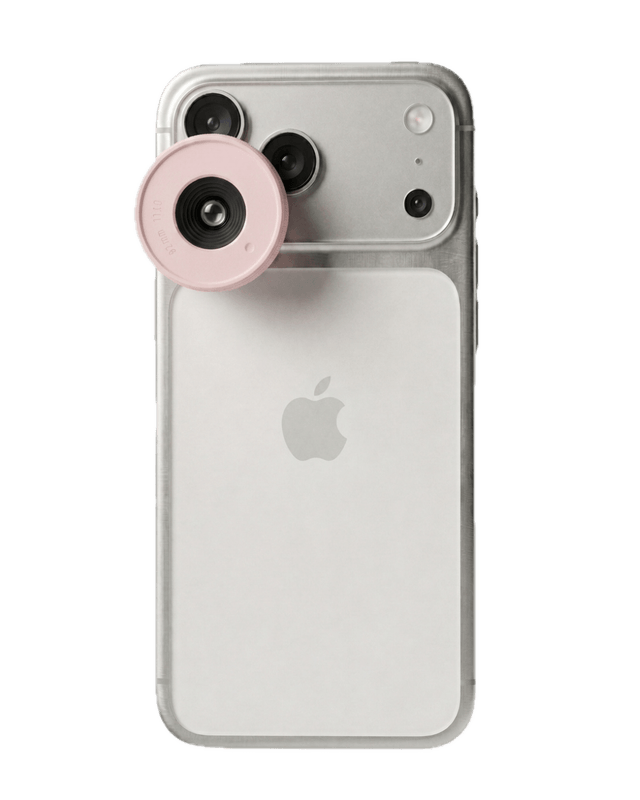
Clip on the lens.
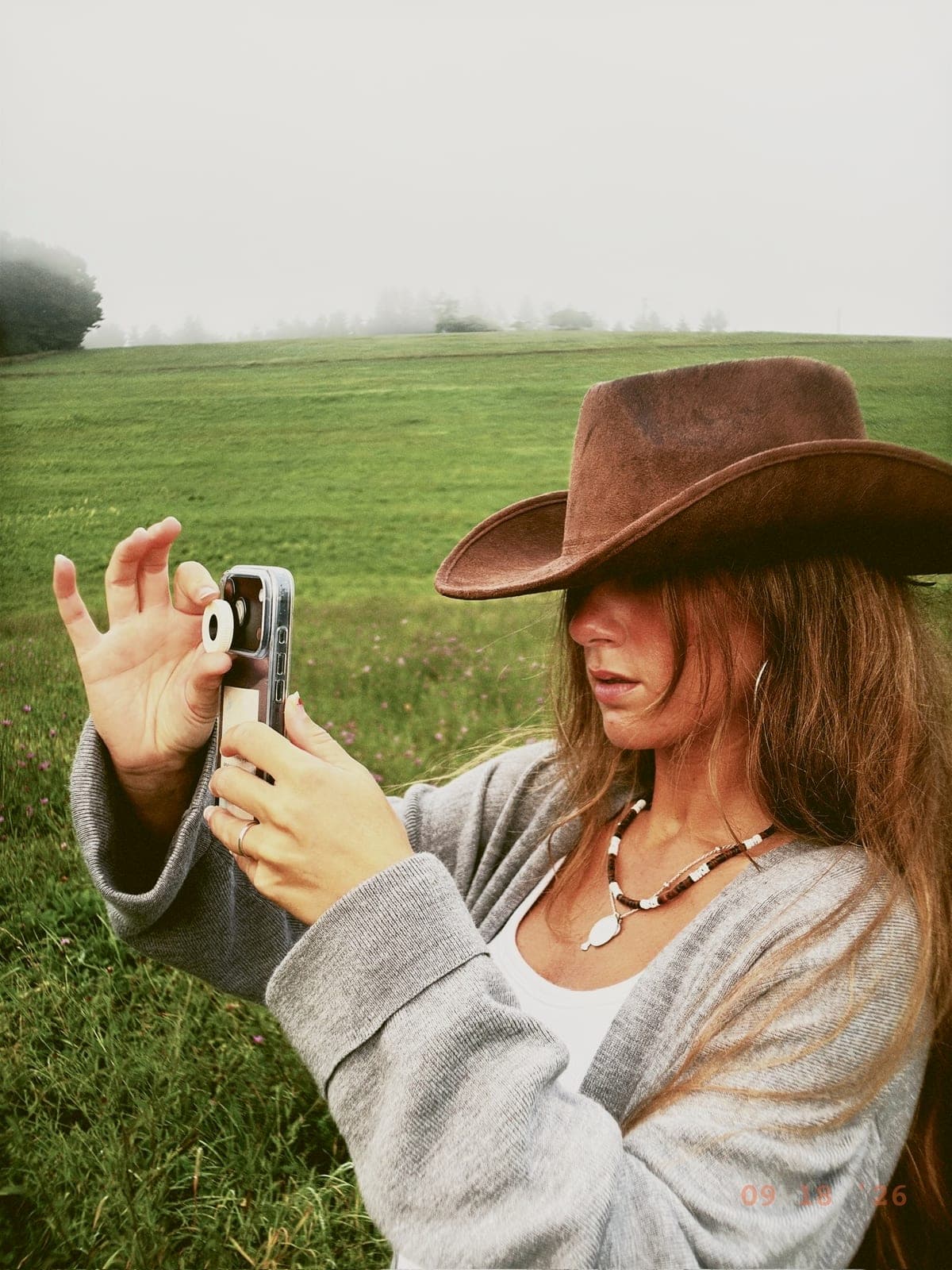
A plastic fit ring clips onto the LoTime and slides over your iPhone's wide camera, that's the bottom lens. A built-in magnet guides it into place and keeps it there. No adhesive, no fuss.
→ Lightweight plastic · Magnetic fit · Fits iPhone 14–17 · iPhone 18 ring in development
02
Open the LoTime app.
Skip the camera roll. Skip the filters. The companion app boots straight into a single, beautiful viewfinder. No settings, no fuss.
→ iOS · Free with the lens
03
Make every shot count.
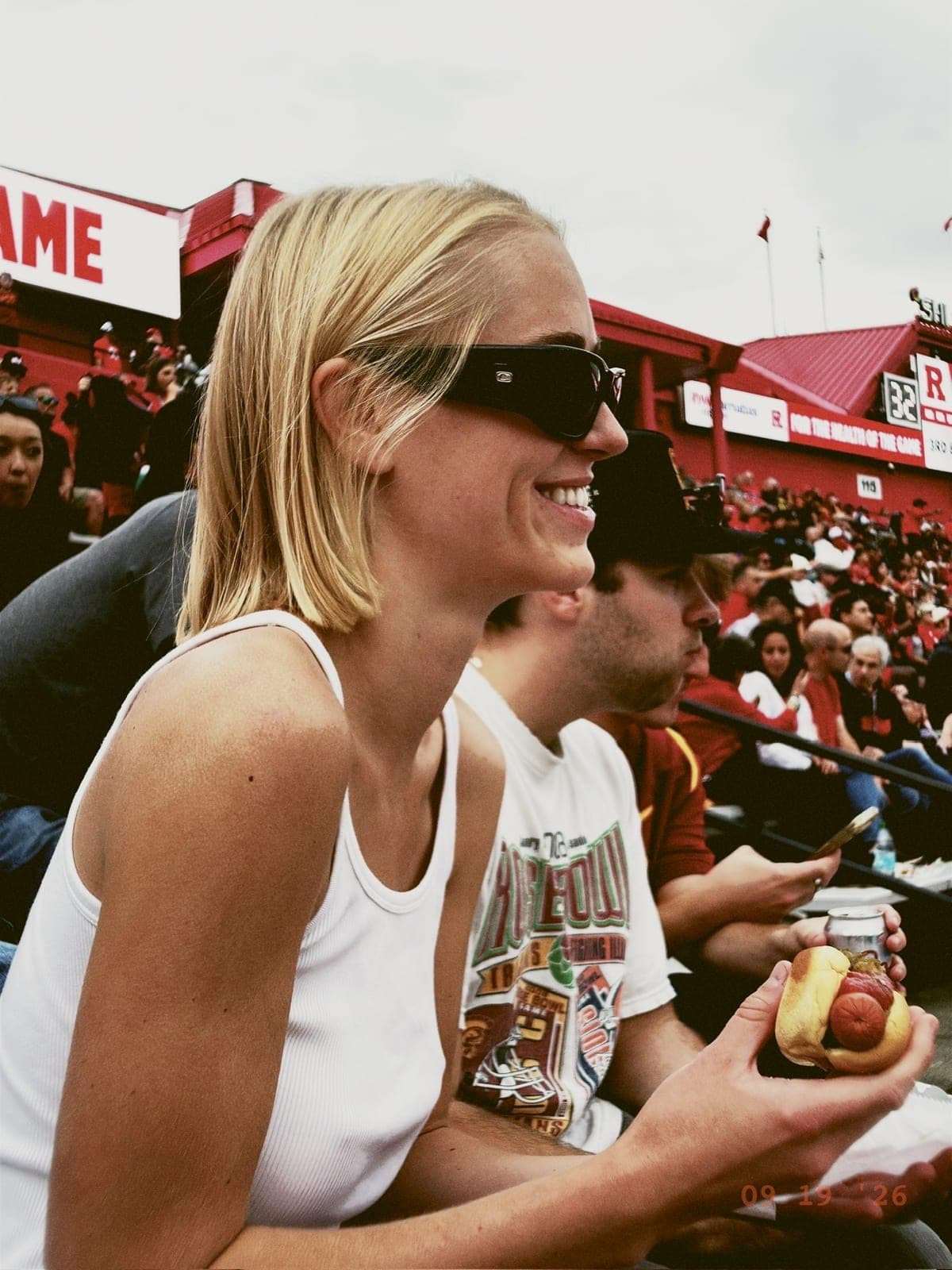
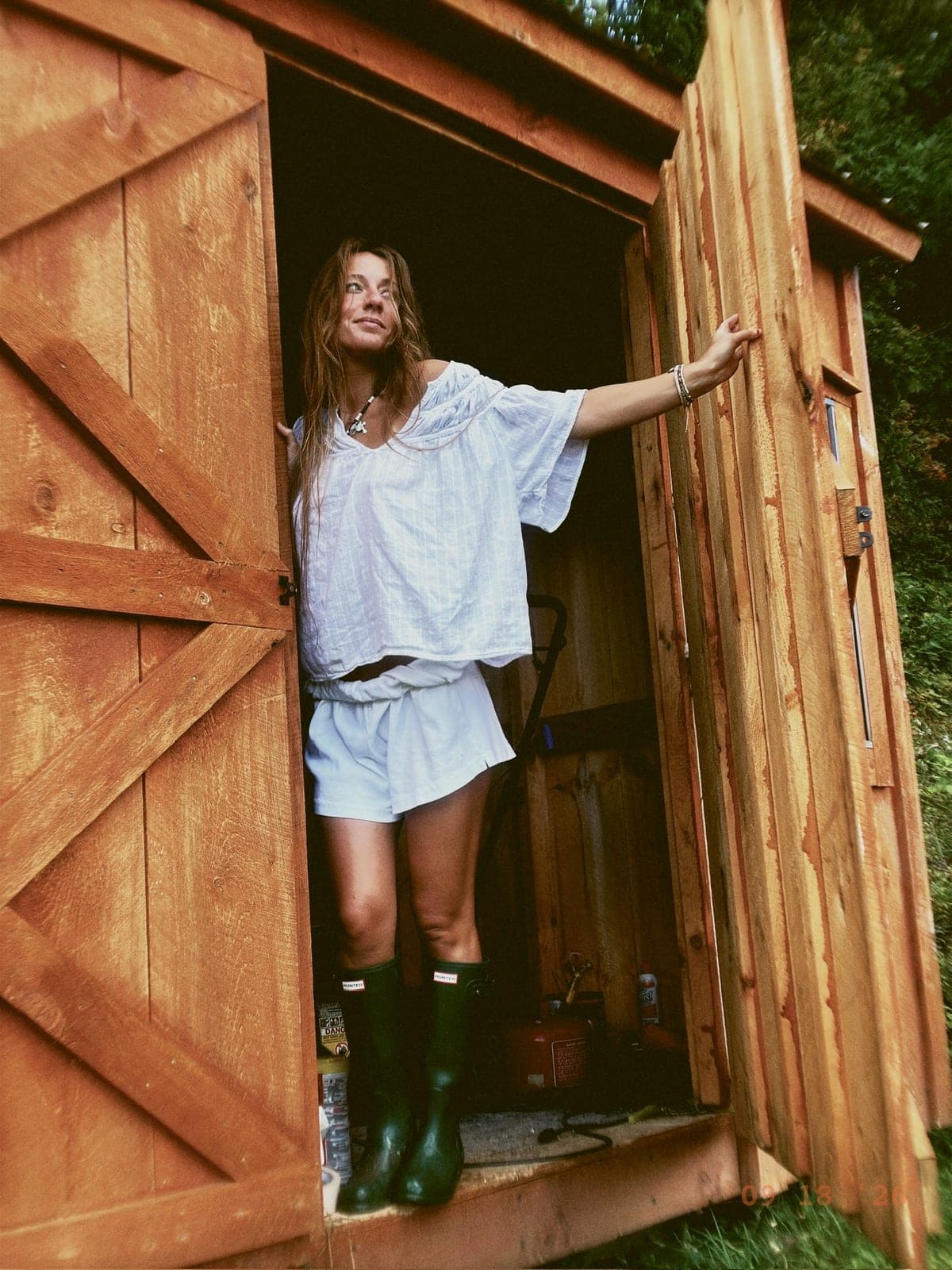
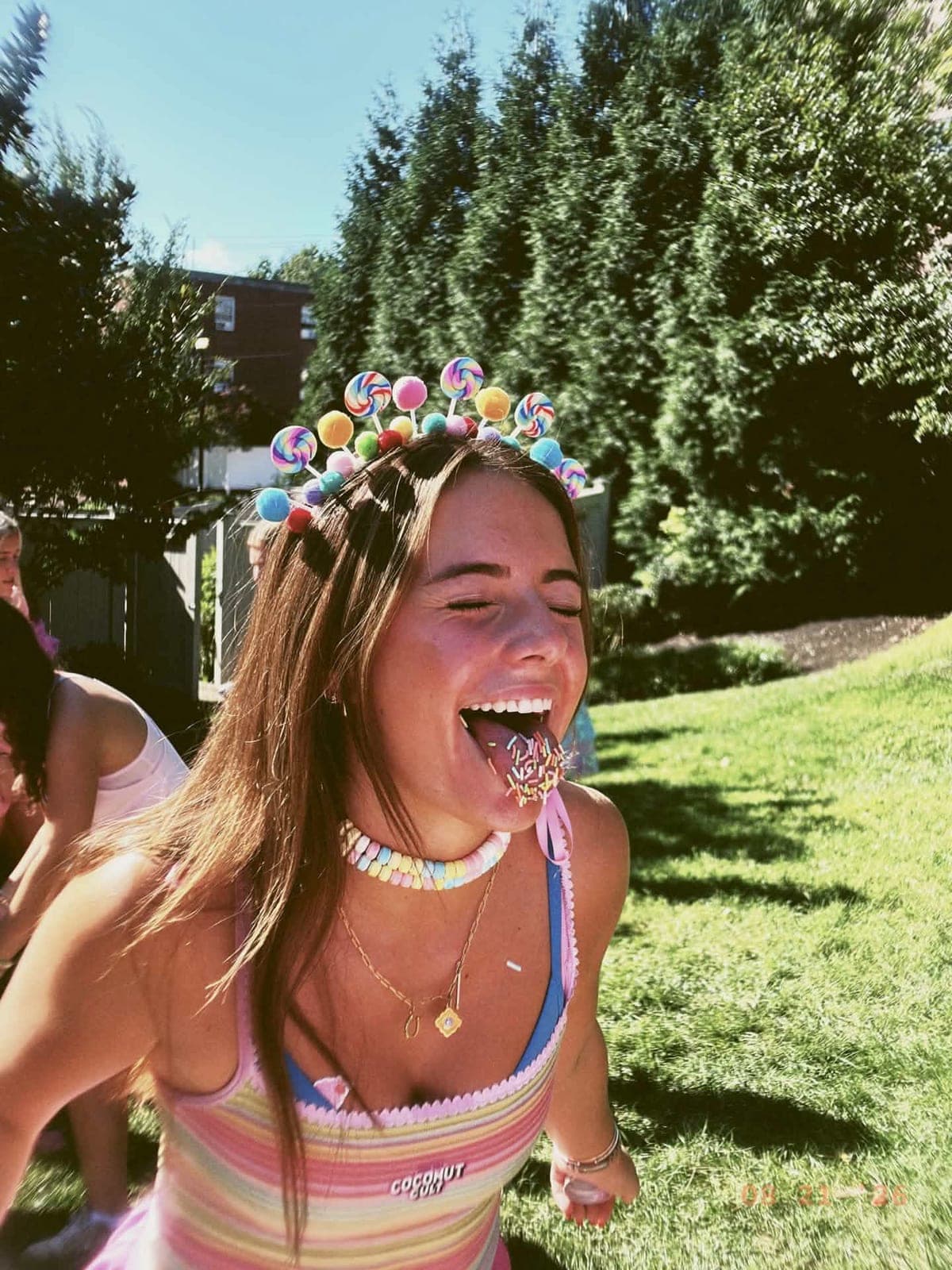
You get 24 frames a day. That's it. The same constraint as a real disposable, minus the trip to the photo shop. When every frame counts, every moment feels more worth capturing.
→ Resets at midnight · No edits, no filters
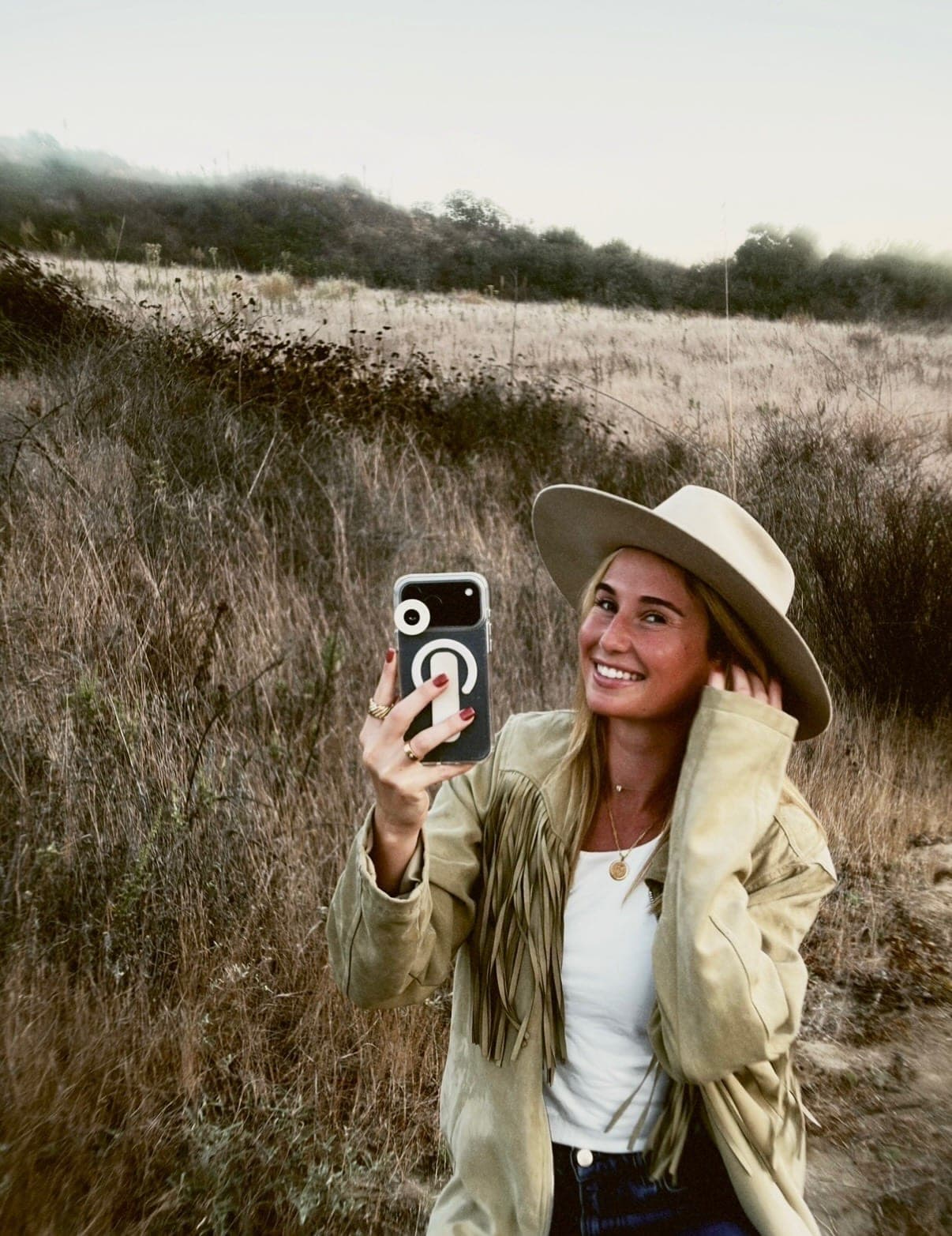

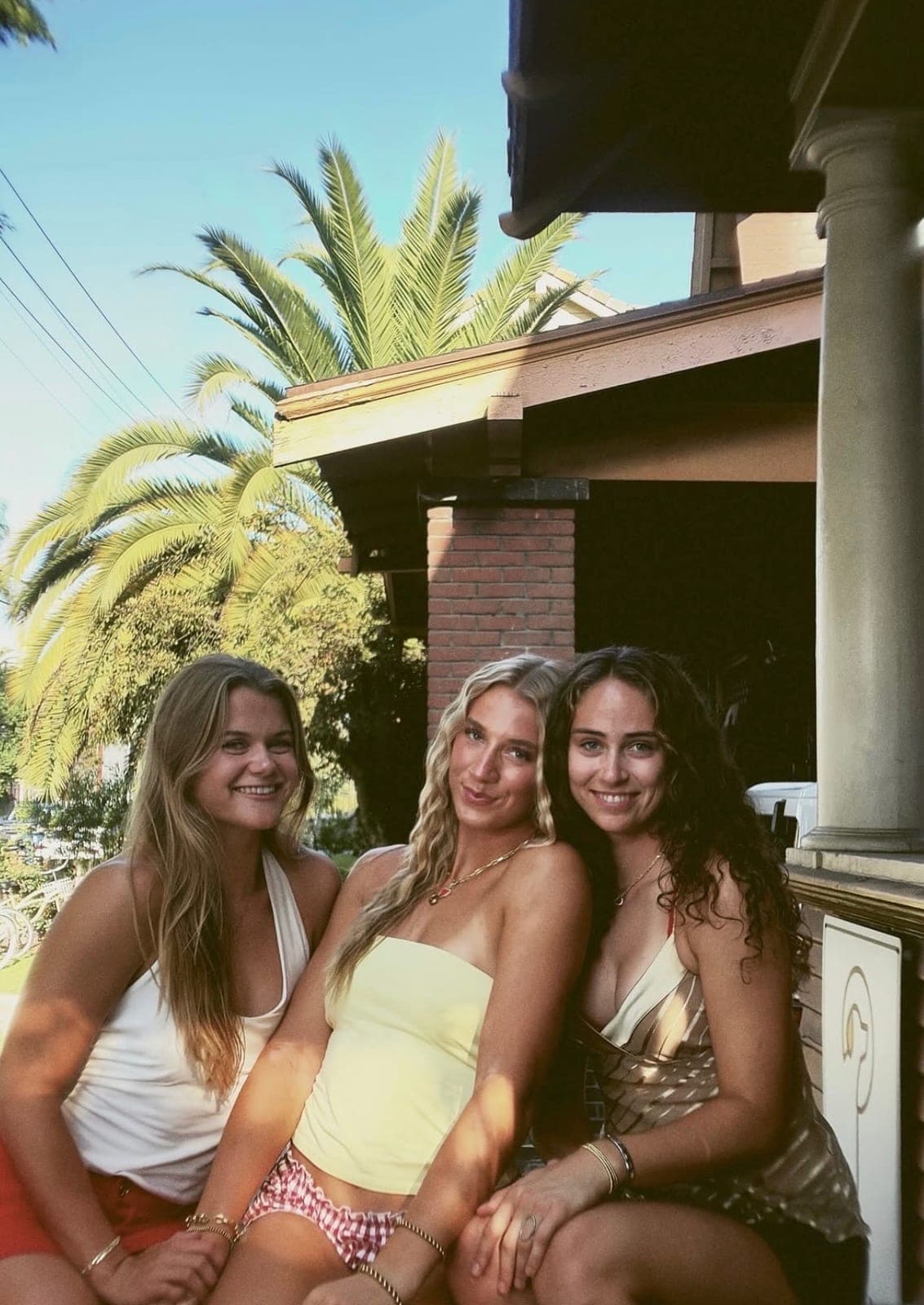
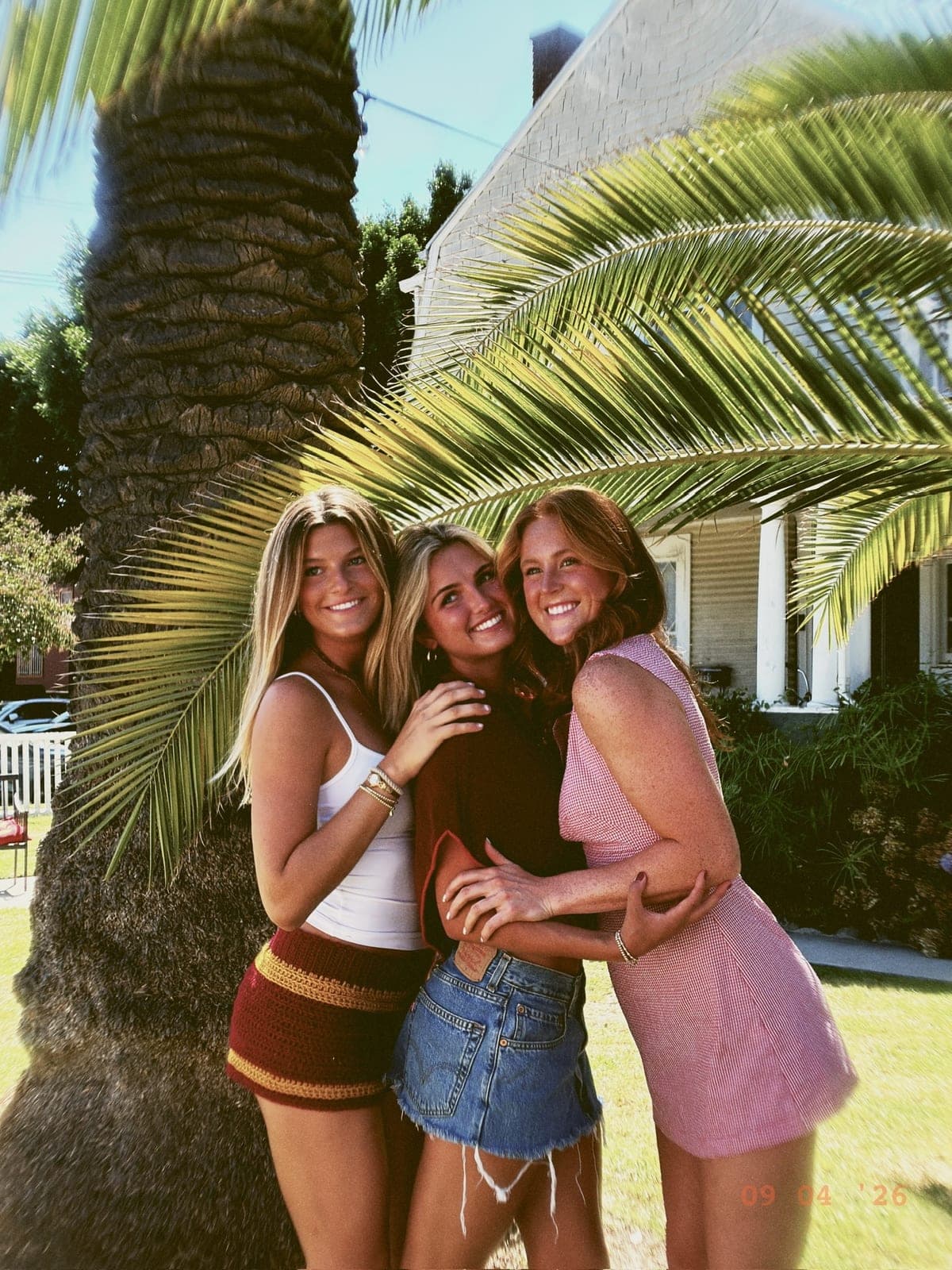




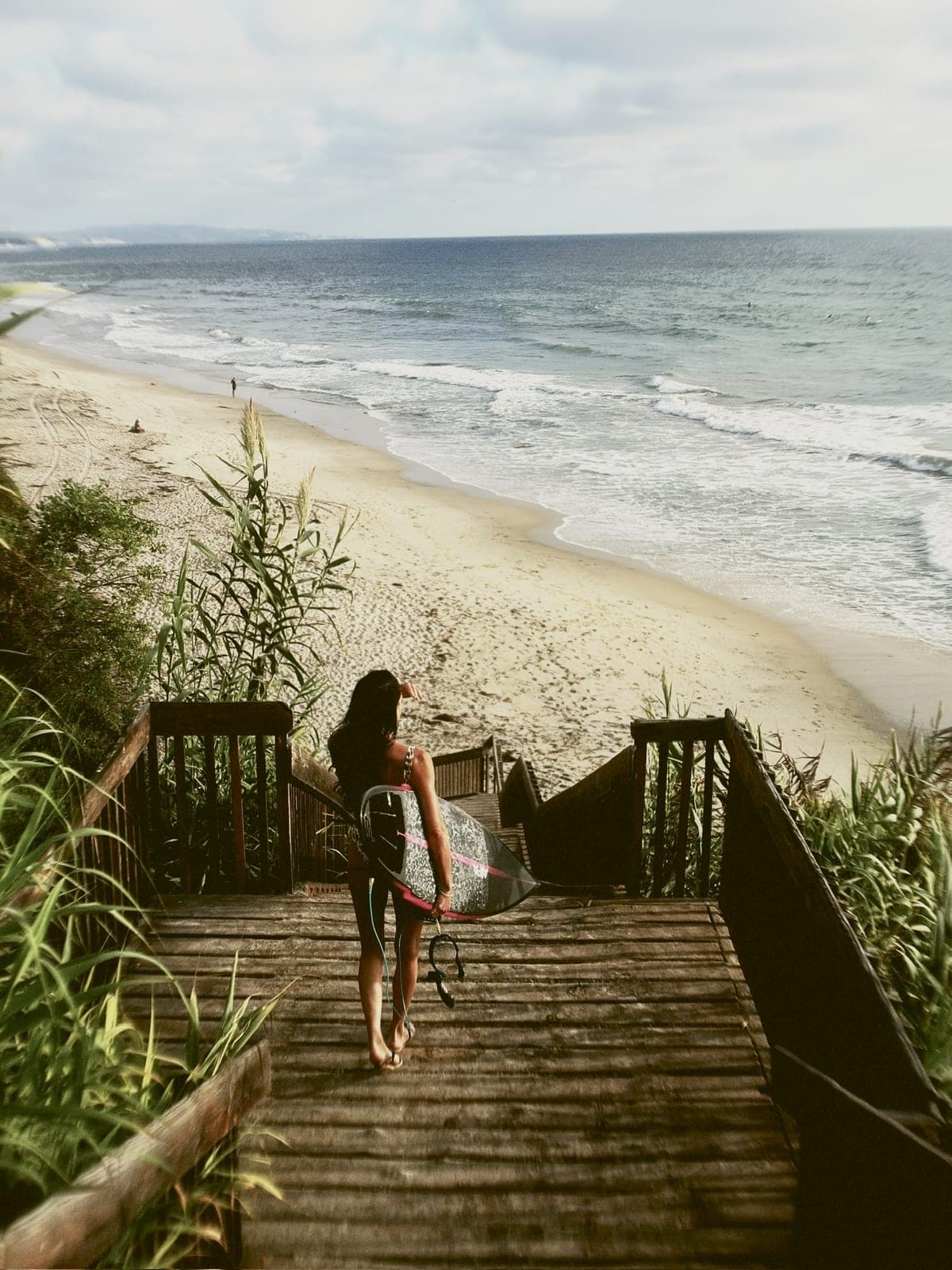
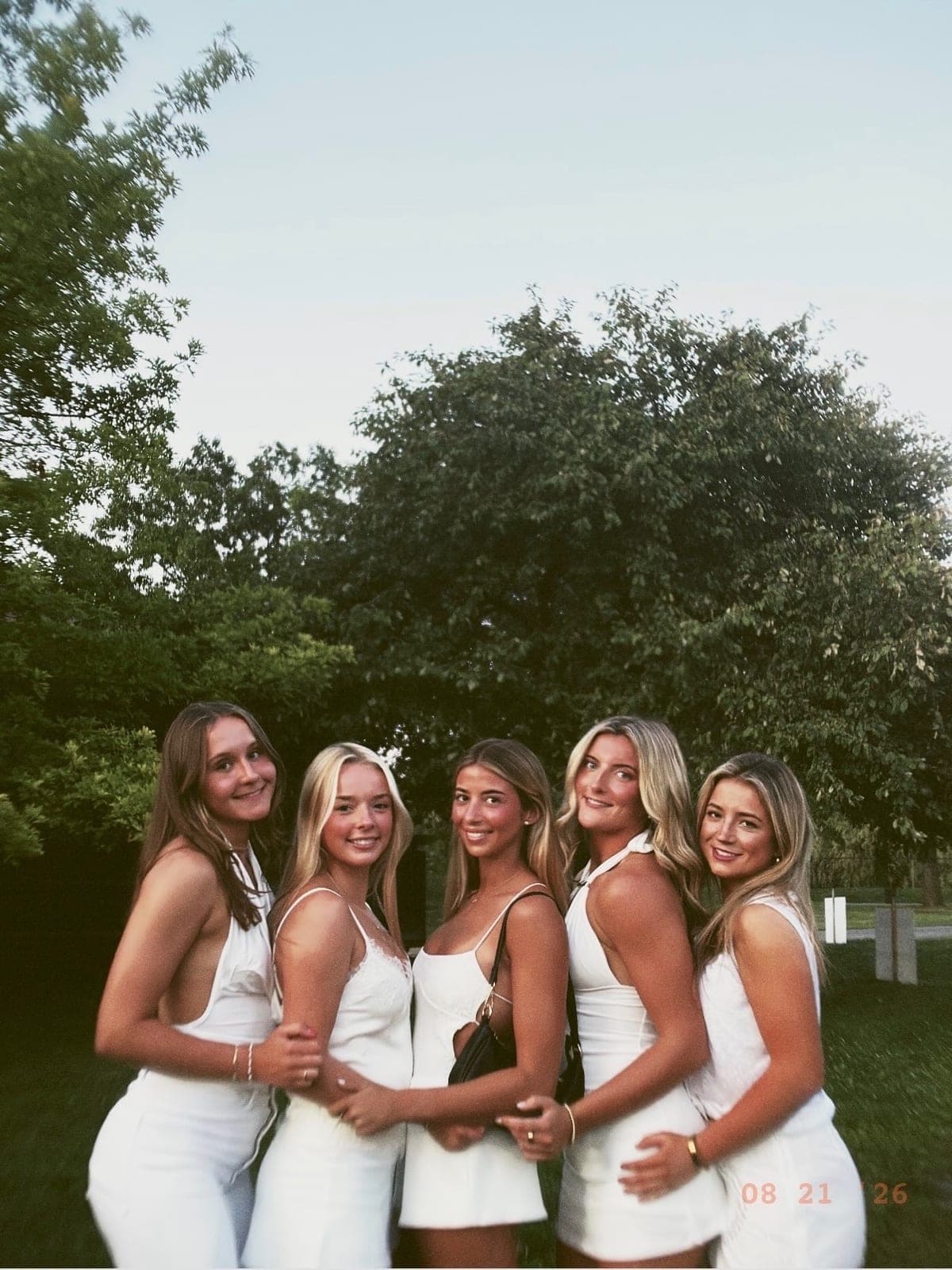
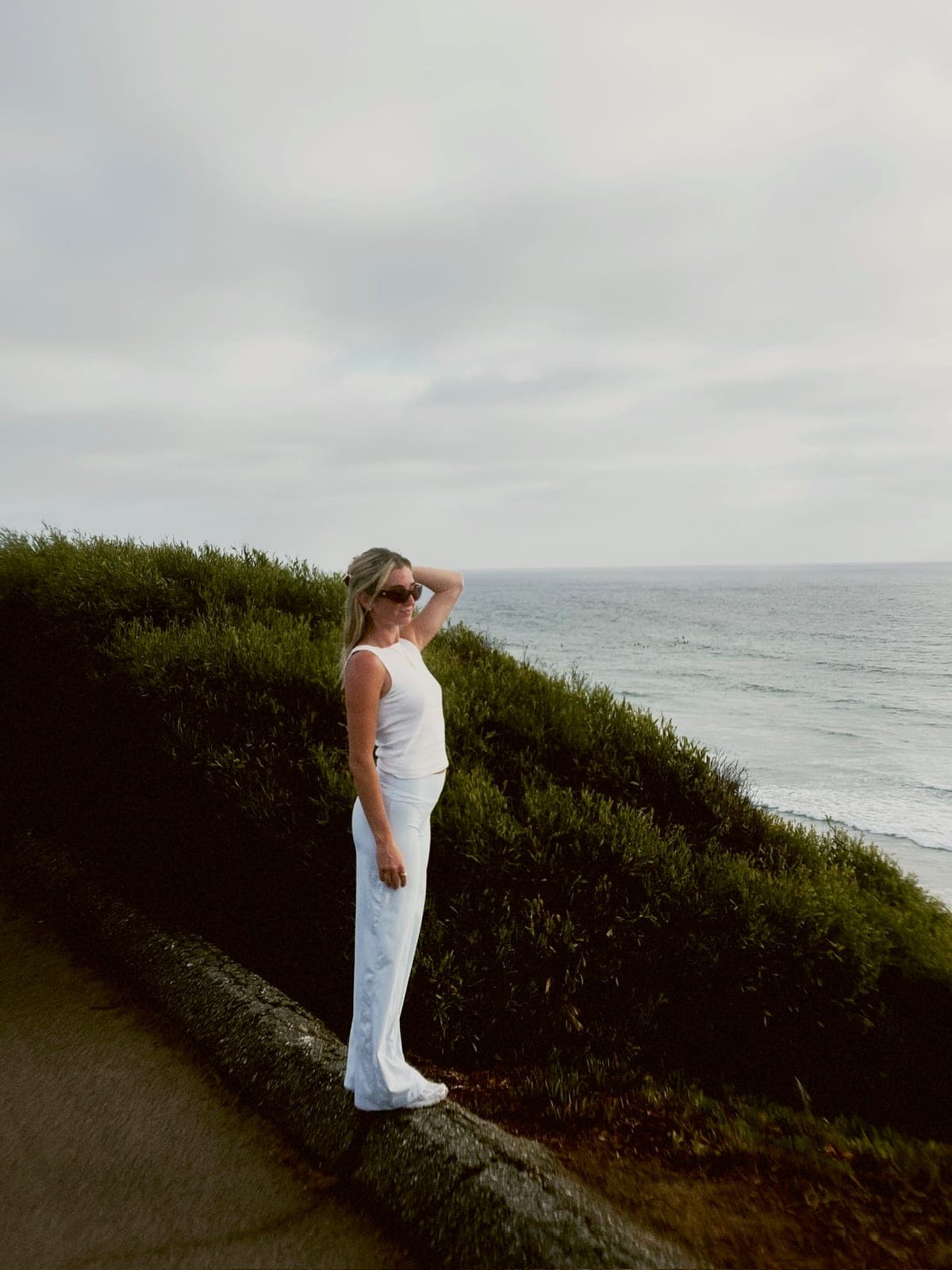
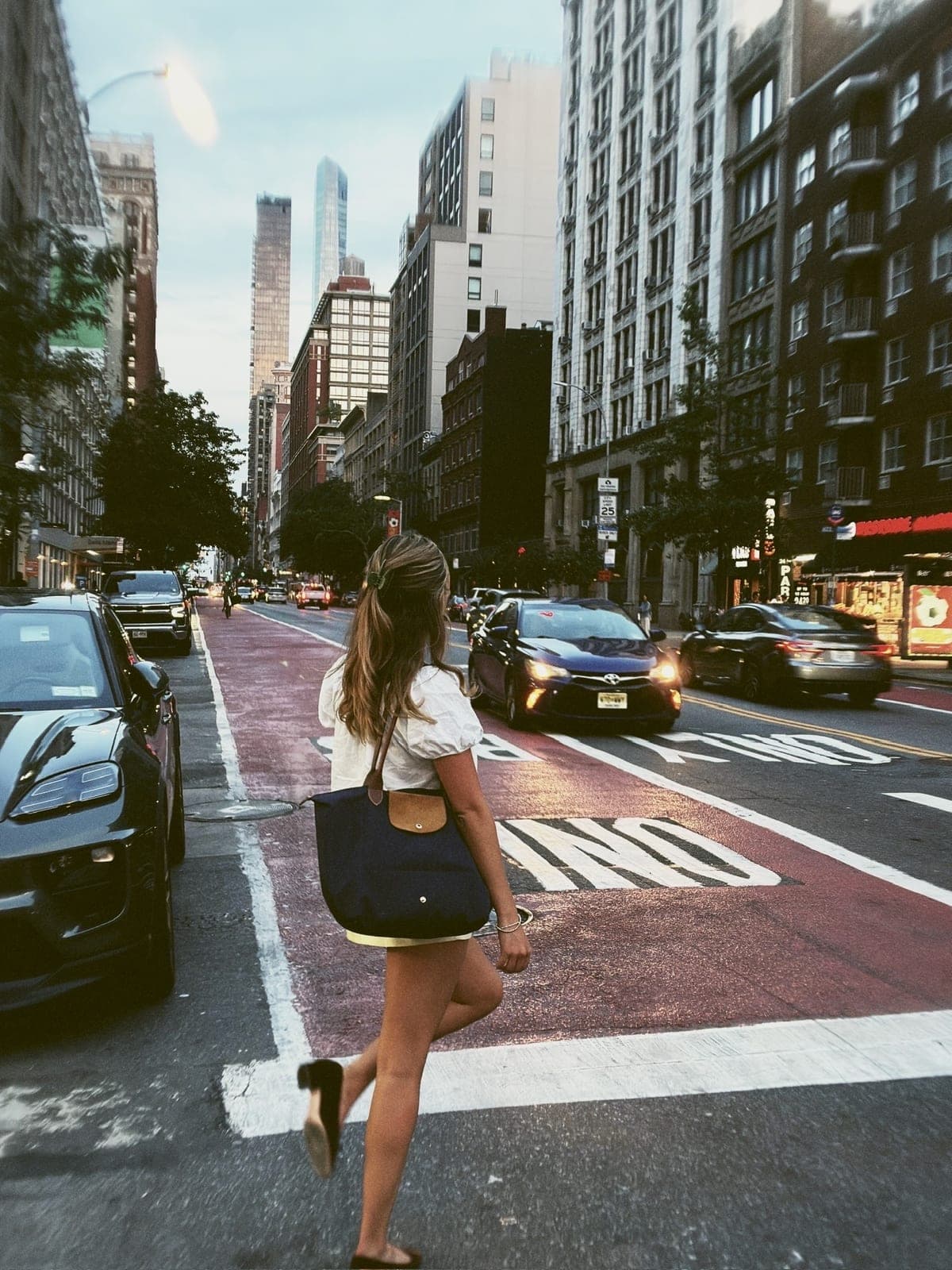

Drag to see the whole roll
04
The roll develops.
Like the old days, you can't peek. Each frame stays locked for an hour while it develops, like film coming back from the shop. Save the keepers. Tag a friend.
→ All in the app · Share or save

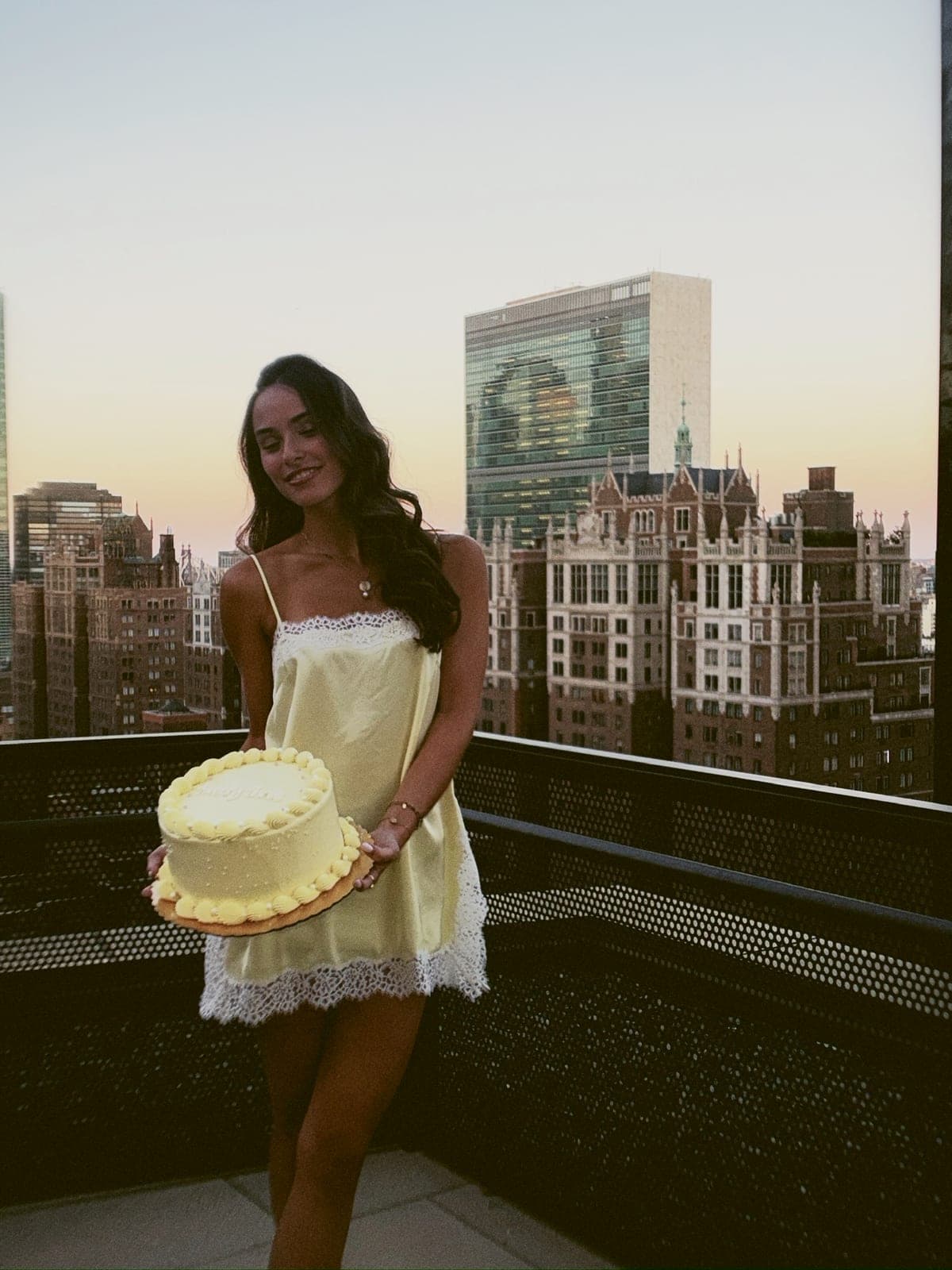
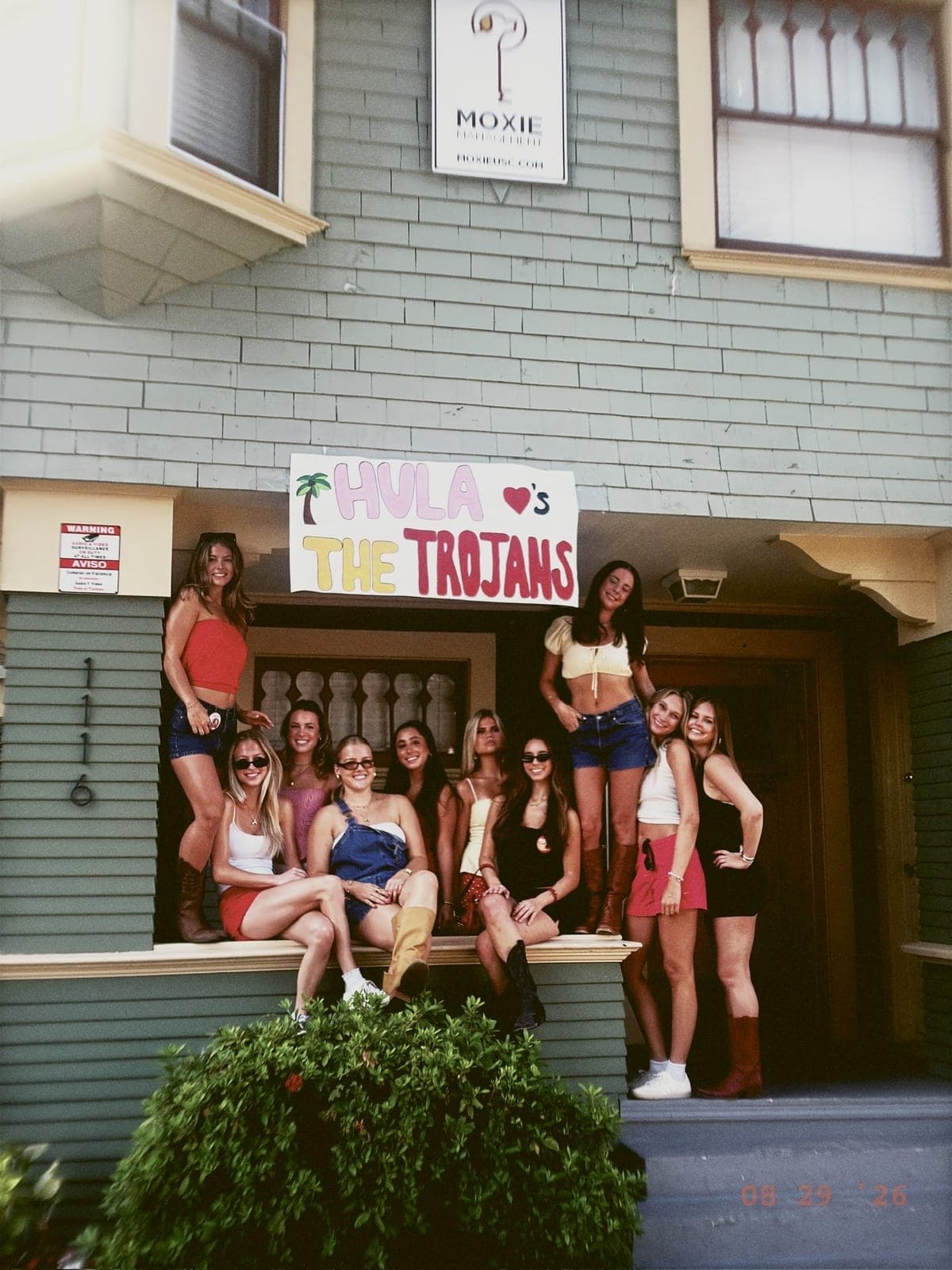
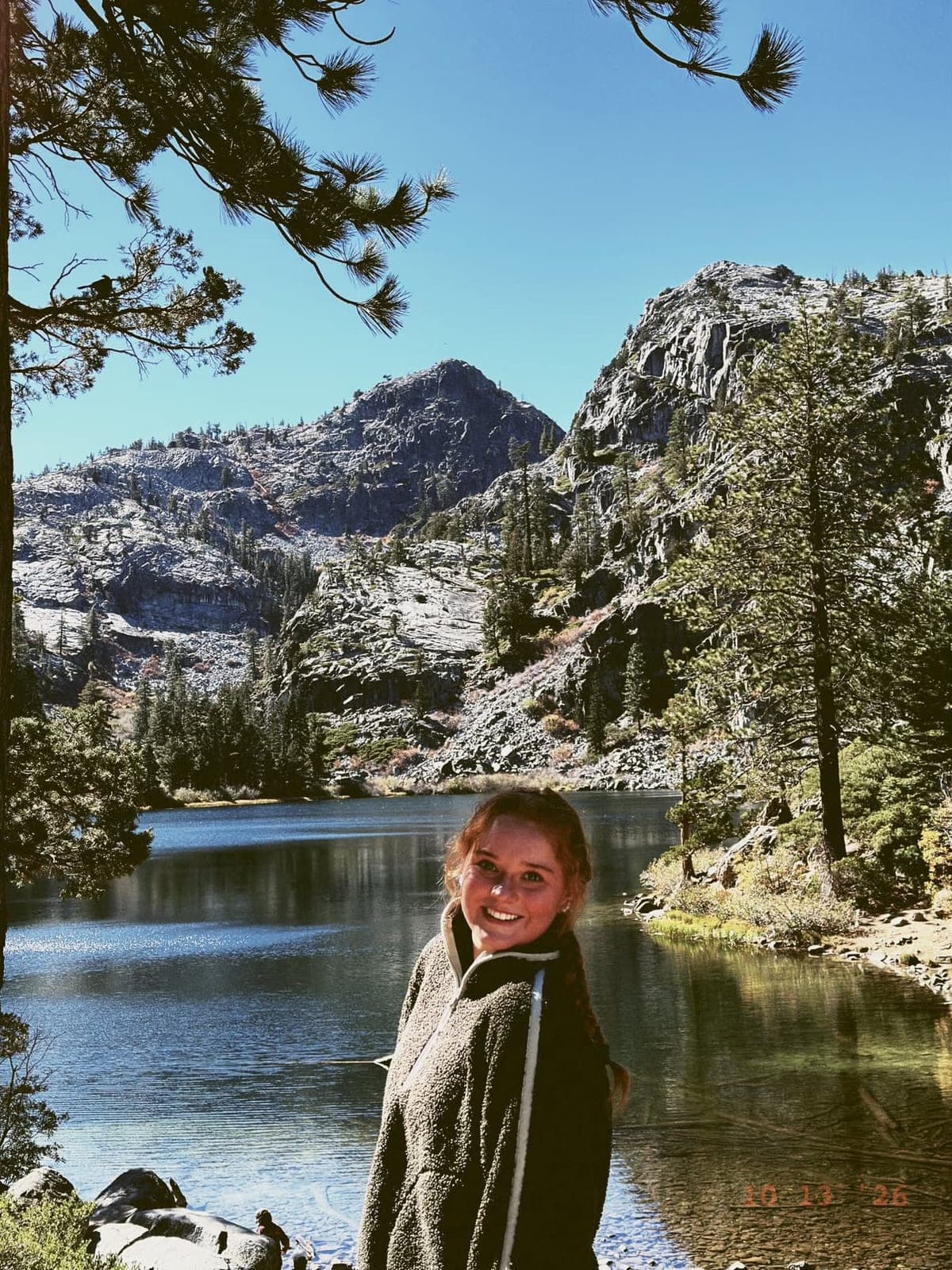
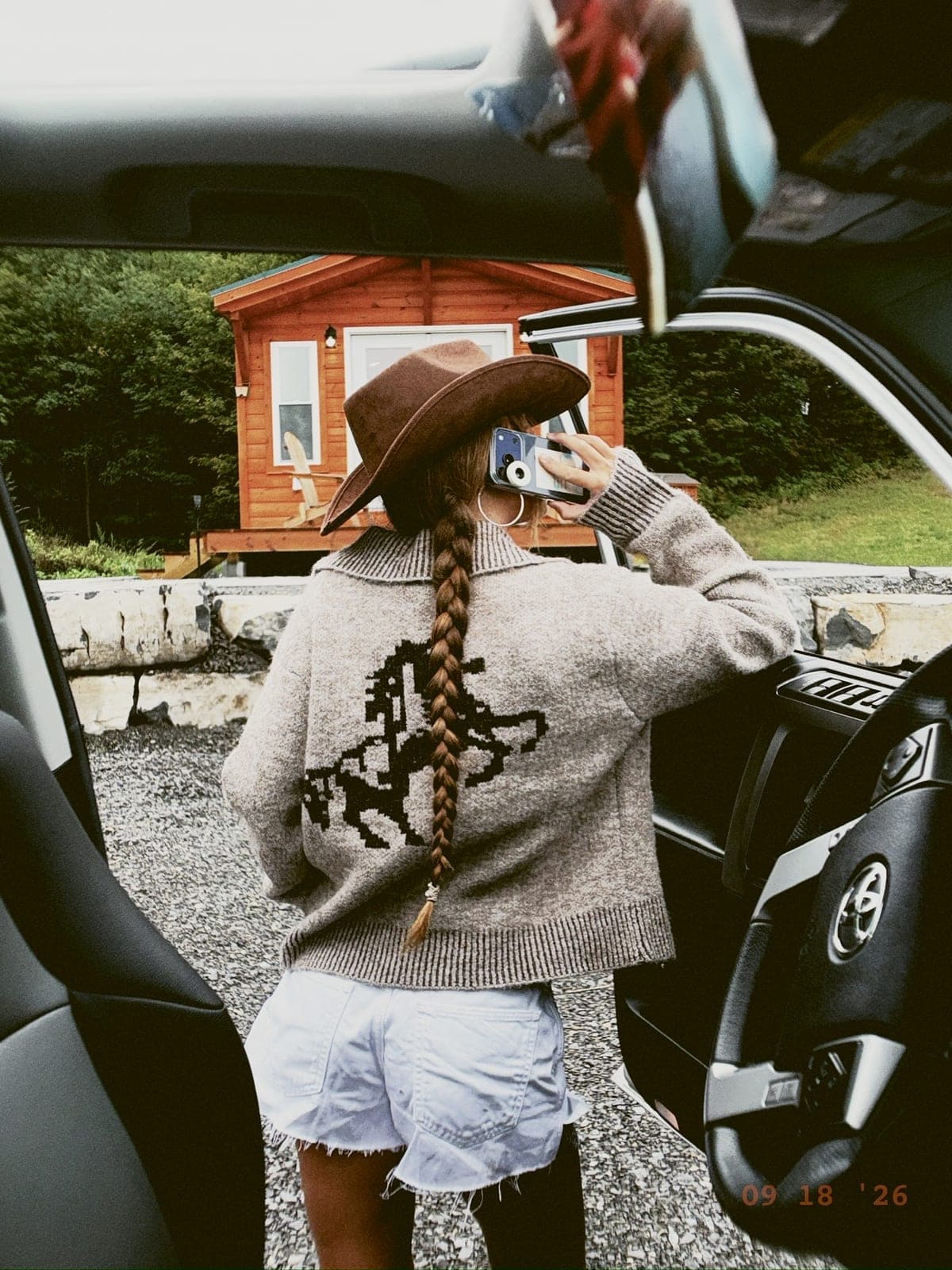
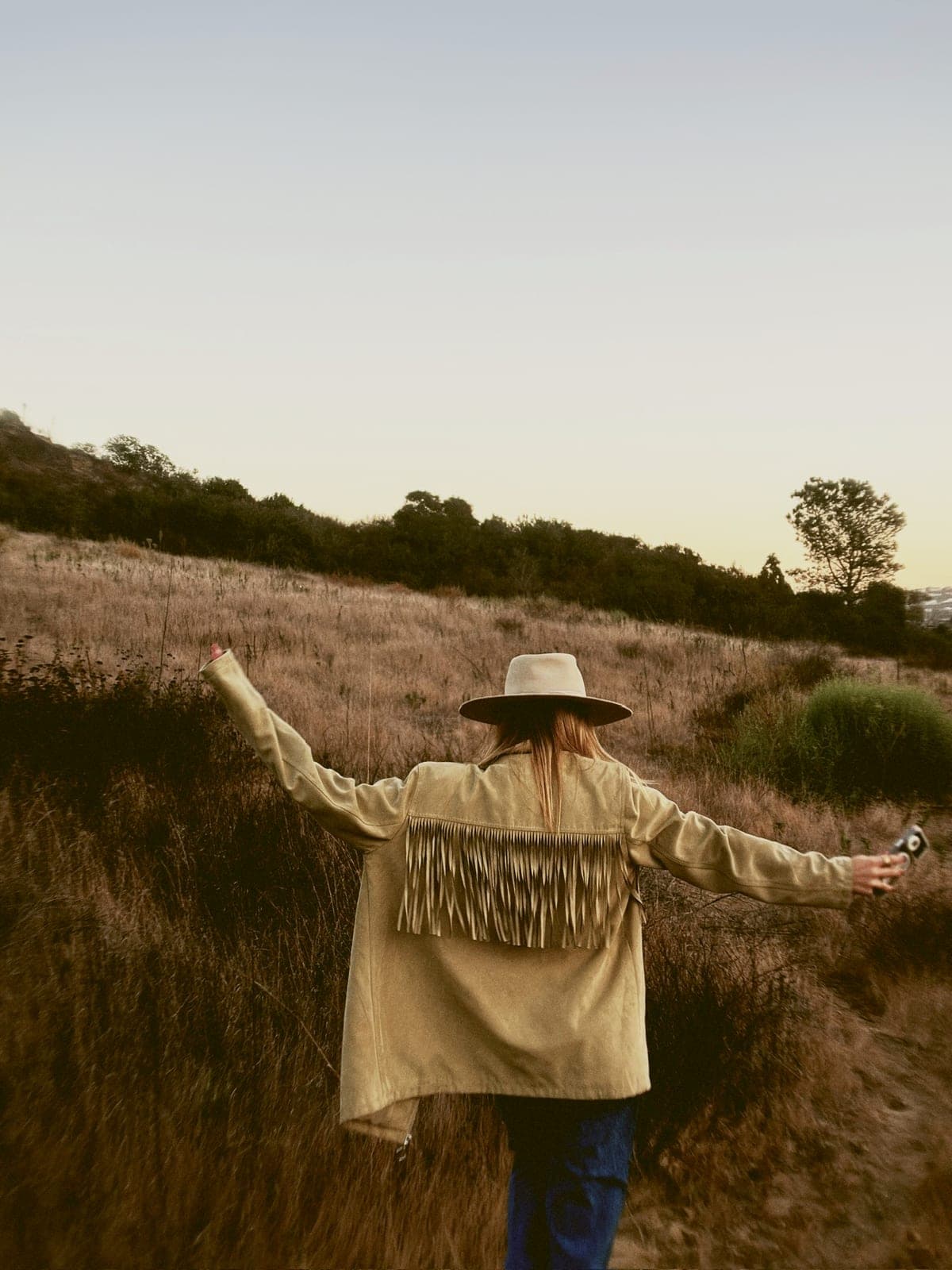
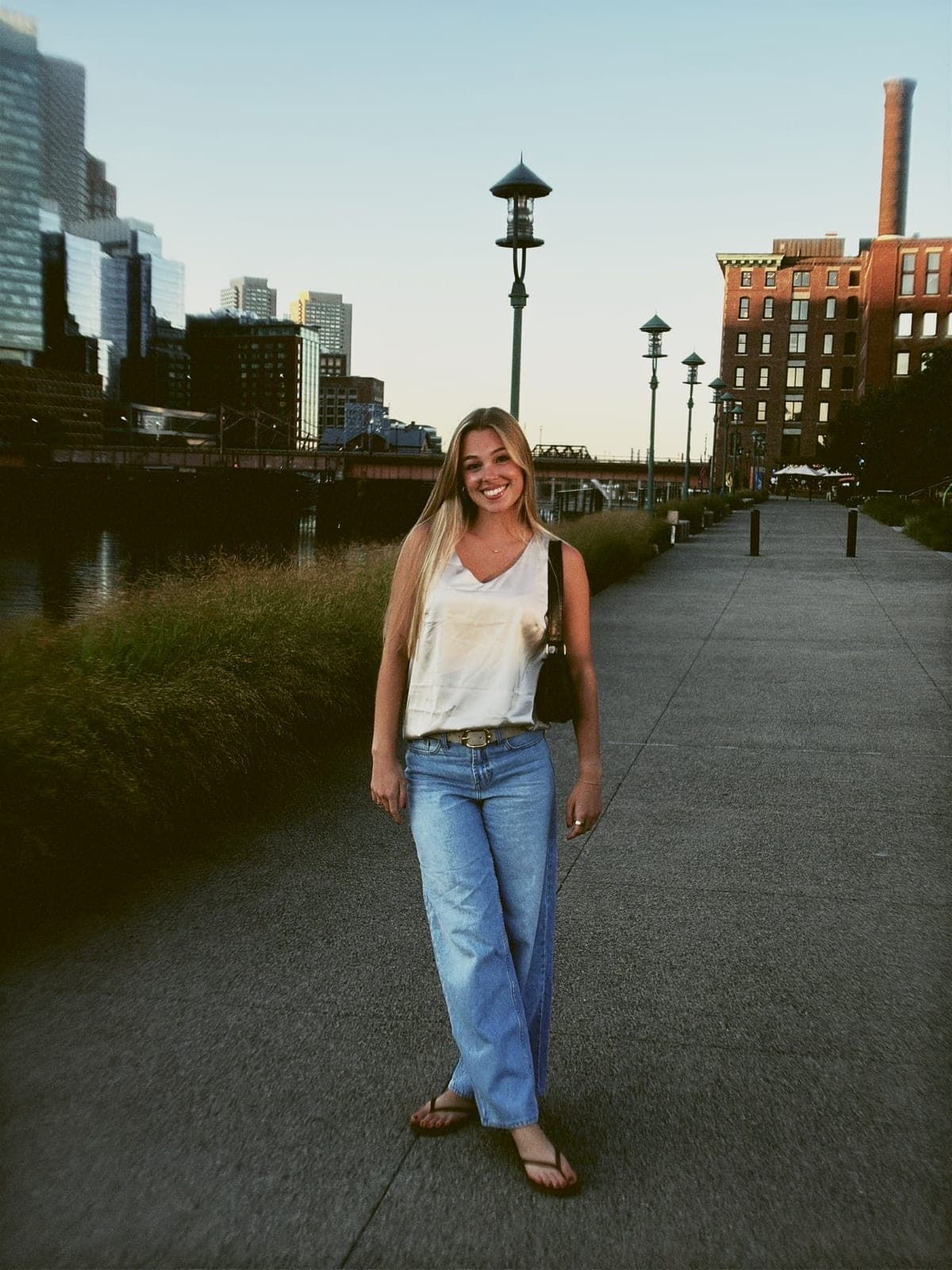




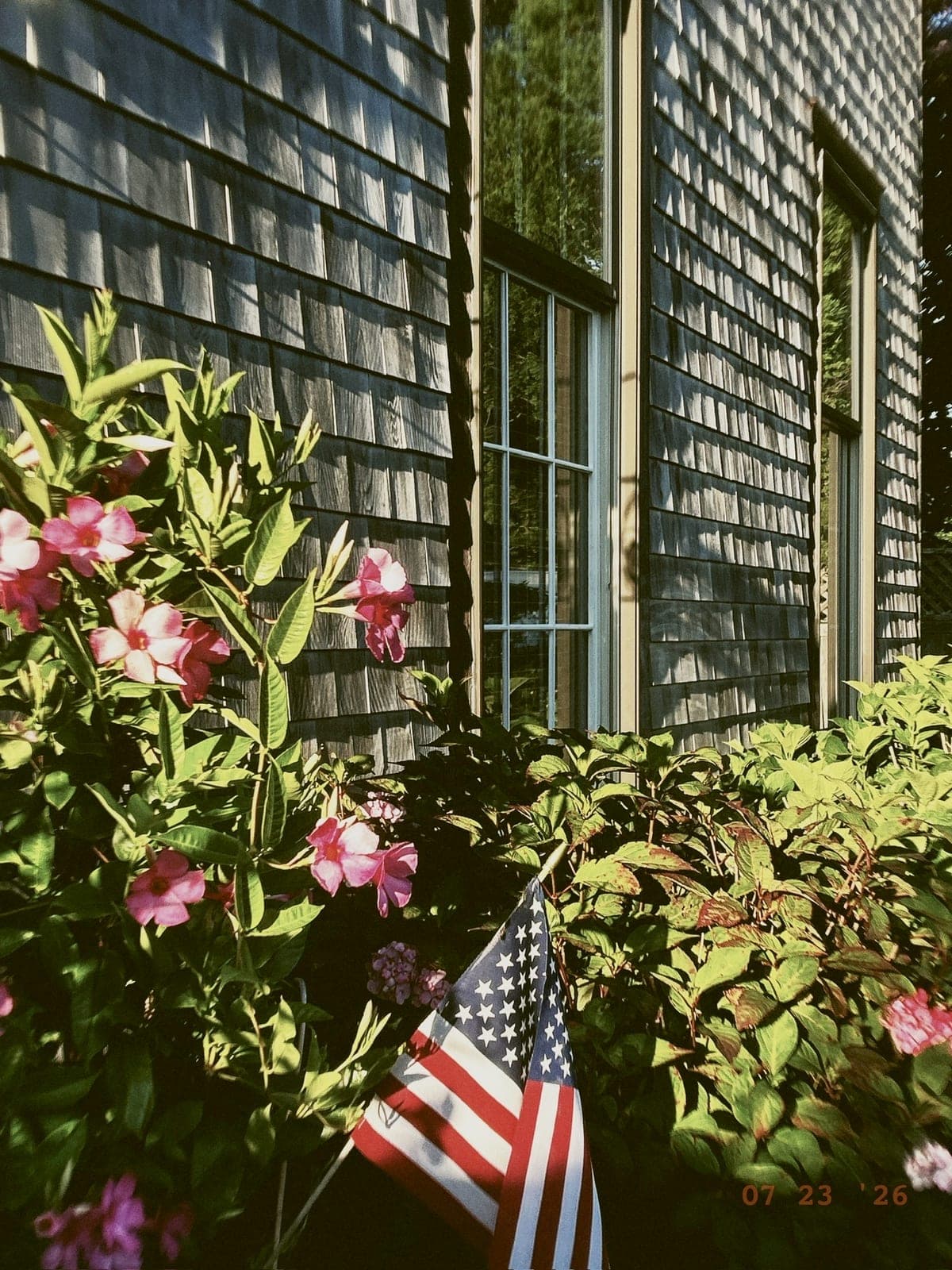


Drag to see the whole roll
Tips from Casey & Callie
Get the most
out of your roll.
A few small habits we've picked up from shooting with LoTime every day. Take what works for you.
Shoot golden hour.
The lens loves warm light. Shoot 30 minutes after sunrise or before sunset and watch it sing.
Get closer.
The natural bokeh kicks in around 18 inches. Get up close to people, to flowers, to your coffee cup.
Slow down.
Resist checking after every shot. The wait is half the magic. Trust the lens.
A normal phone vs. a LoTime phone
The same spot,
two different memories.
Same phone. Same place. The lens changes everything.


One camera · Two parts
The lens does the optics.
The app does the color.
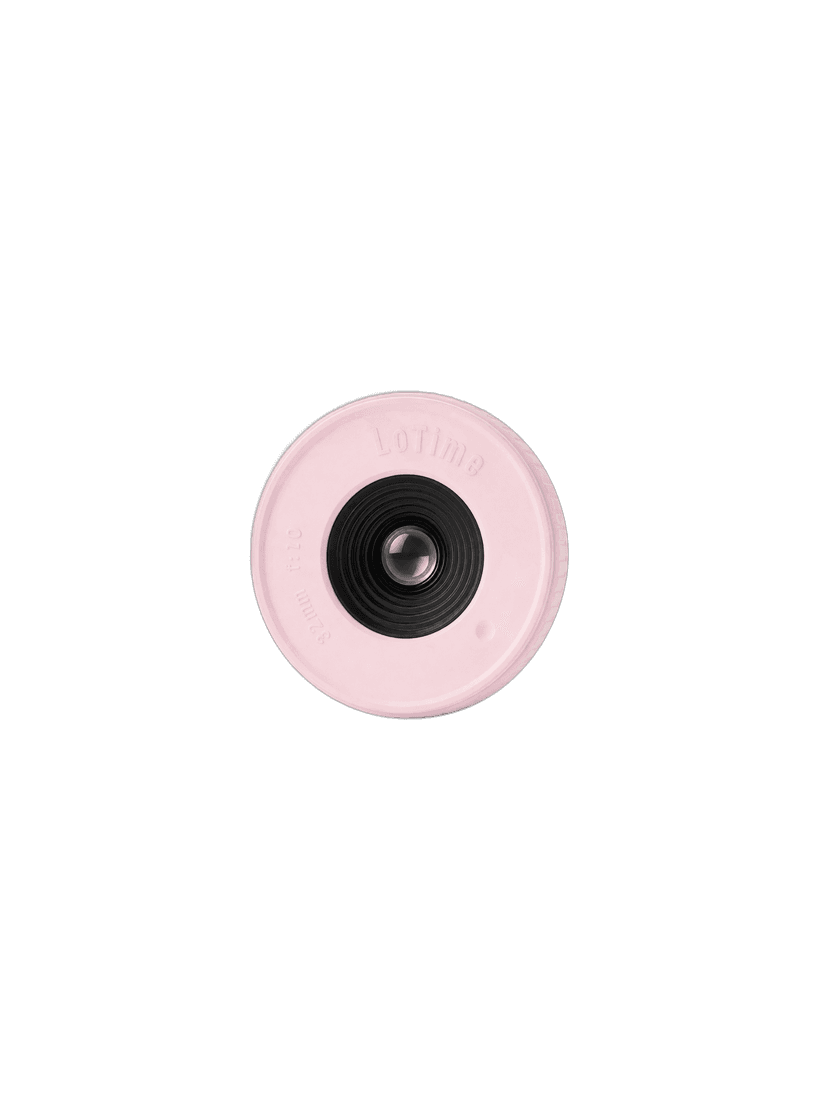
The Lens
Real glass. Does the optics.
The App
Free download. Does the color.
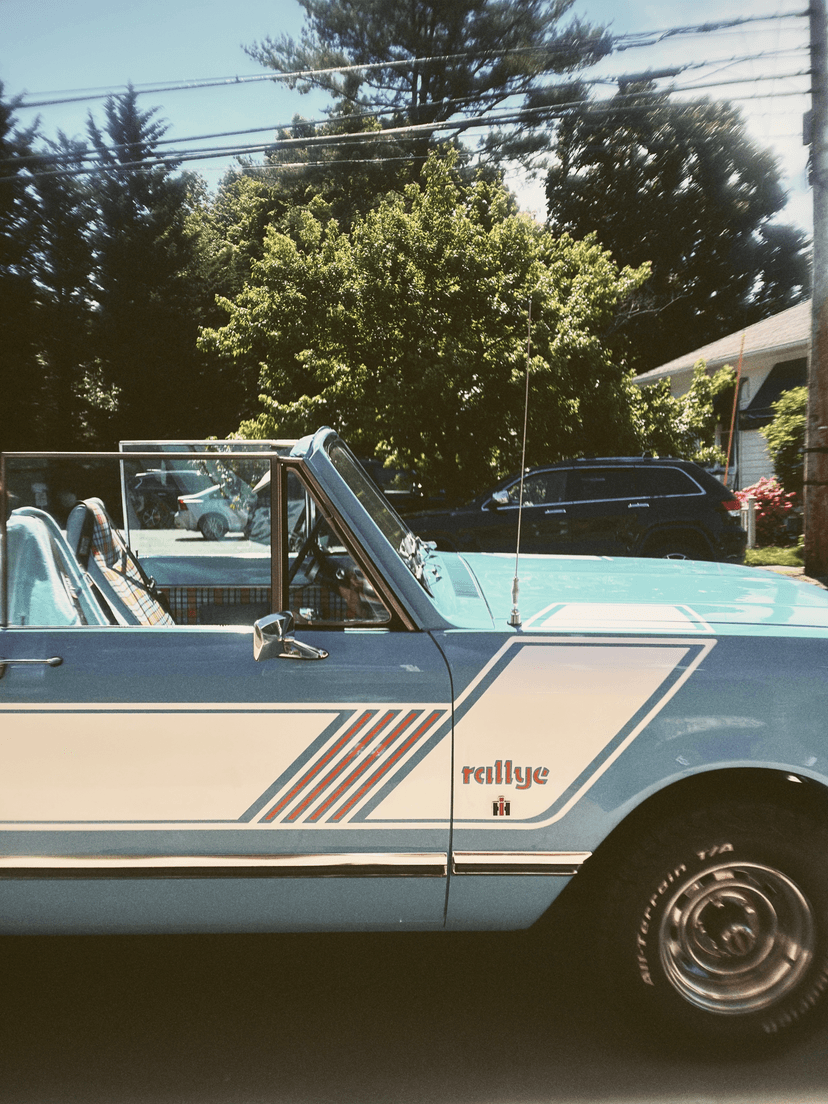
The LoTime Look
24 shots. Developed like film.
The lens without the app is a film camera without a film roll.
LoTime iOS App
Choose your roll.
Start free with 24 shots a day. Upgrade when you're ready for more.

Slow down time.